Front-end Development Workflow Tools Cmder and Bower
Categories: Study
Front-end development is indeed not the same as before. If we say that our past front-end development was in the “slash-and-burn” era, then current front-end development has undoubtedly entered the era of “factory production”. In recent years, with the emergence of Node.js, many excellent front-end development management tools have appeared, which greatly facilitates our front-end development. Indeed Node.js is the best gift from God to our front-end development engineers. In the following articles, I will introduce some excellent tools needed in the front-end development process: Cmder, Bower, Grunt, Yeoman.
Cmder
It seems that cmder has little to do with our front-end development workflow. If bower, grunt, Yeoman are the “horses”, then the cmder tool is a good “saddle” (a good horse matches a good saddle).
You will definitely be attracted by this cmd alternative tool. First, look at the picture:
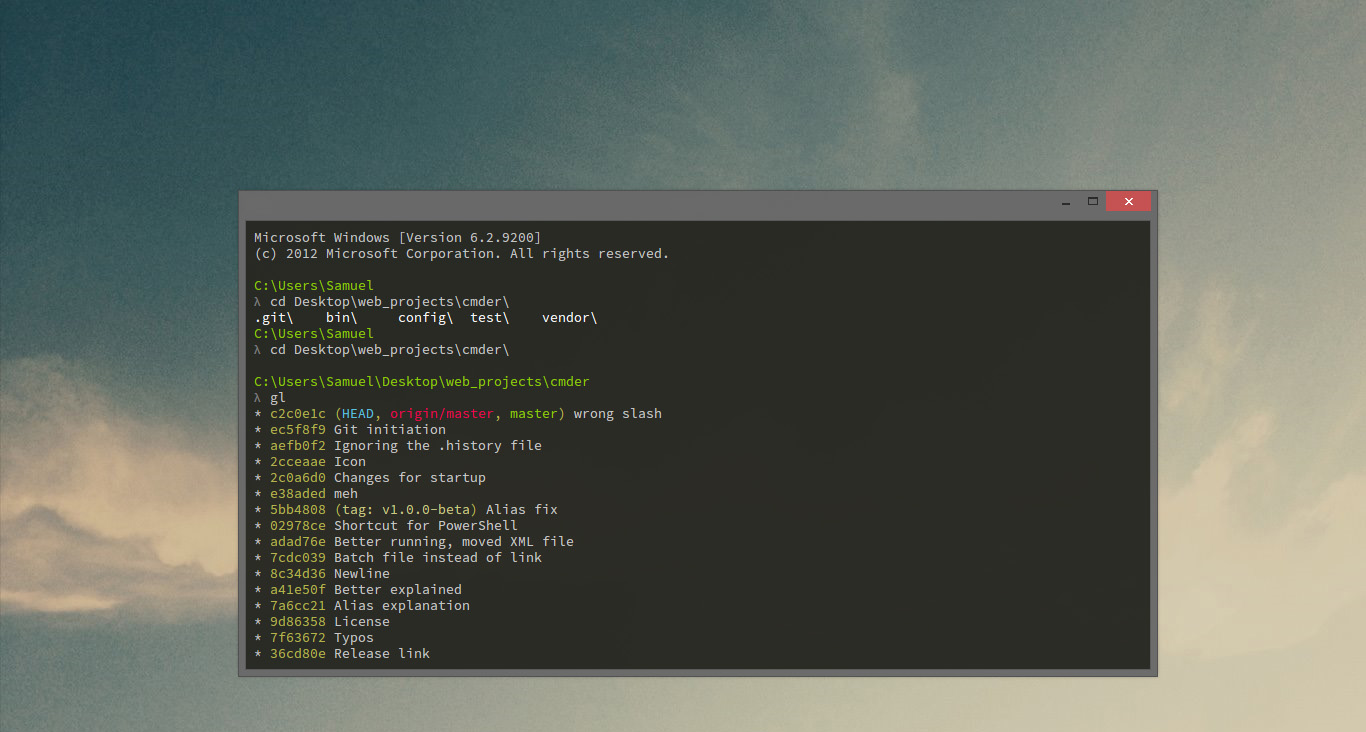
This software can only be described as elegant. The colors are very sexy, and it is obviously more convenient to use than the clumsy cmd that comes with Windows. This is how the official website introduces it: Cmder is a software package created out of pure frustration over the absence of nice console emulators on Windows. It is based on amazing software, and spiced up with the Monokai color scheme and a custom prompt layout. Looking sexy from the start.
The full installation version of cmder comes with msysgit, the zip file is 23M. Besides the git command itself, a large number of linux commands can be used inside. For example, below I use it to commit today’s blog post to my github.
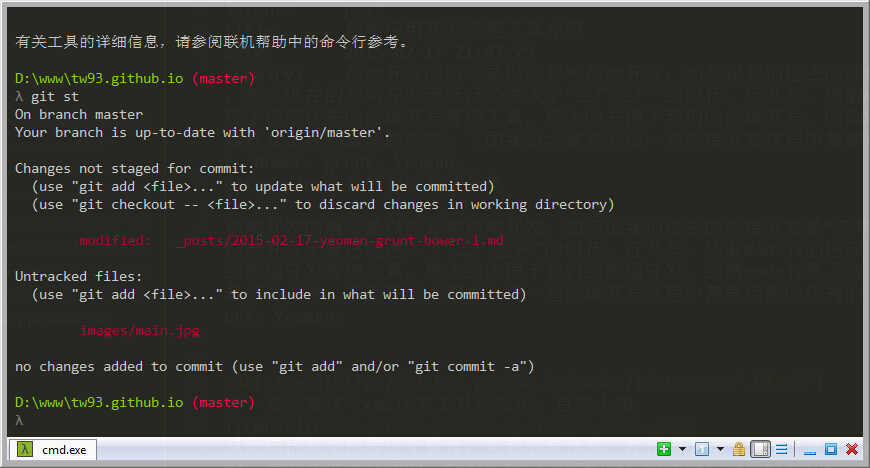 Since this is just an introduction, for many configuration aspects, it is recommended that you search for corresponding settings on Google. I believe you will like this tool.
Bower
Bower is a package management tool introduced by Twitter. The official website summarizes it like this: Web sites are made of lots of things — frameworks, libraries, assets, utilities, and rainbows. Bower manages all these things for you. You should be able to understand the translation.

Why should we use this tool? I understand there are several reasons:
- It can greatly save our time. It can save us time looking for client-side dependencies. For example, when we need angular, directly type
bower install angularcan download angular to our local directory. You don’t need to remember version numbers and other things. You can also check information of any library through Bower’s info command. - Through bower init initialization, create a bower.json file. You can easily display client-side dependencies. In this file, you can specify all client-side dependencies. Any time you need to figure out which libraries you are using, you can refer to this file.
- Management is simpler, including uninstalling a package, updating a package, can be directly done through command mode.
How to use it? I’ll briefly introduce:
- Since Bower requires Node, npm and git to be installed in your system, then we install Bower into our global variables.
npm install -g bower
- When installing a package, we use the bower install command. After running this command, our package will be installed in the bower_components/ directory.
bower install package
- For example, I want to install the angular library, see the figure below:
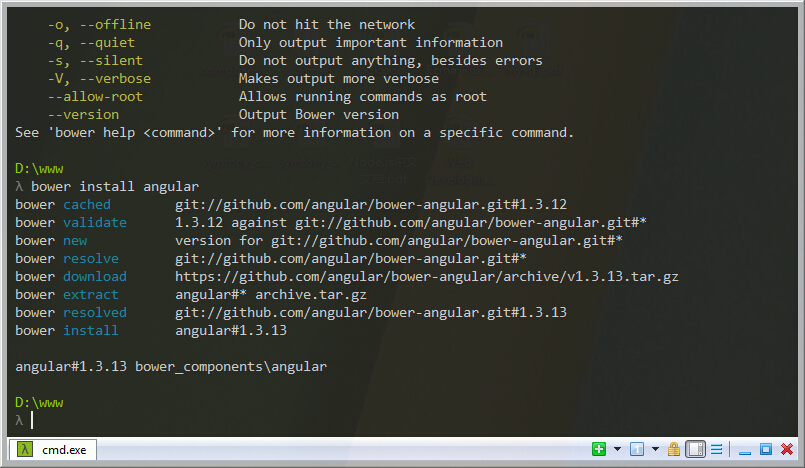
Finally, there are some detailed usage methods. Please visit the official website to learn more detailed knowledge.