Front-end Development Workflow Tool Yeoman
Categories: Study
In the previous article, we introduced Grunt, which can help us automatically manage and run various JavaScript tasks. In the article before that, we introduced the front-end package manager Bower. In this article, we come to introduce Yeoman, a magical scaffold. Yeoman is developed by the Google team and a team of external contributors. Its goal is to create an easy-to-use workflow for developers through the packaging of Grunt (a command line tool for development task automation) and Bower (a package manager for front-end resources such as HTML, CSS, JavaScript, and images). Below I will briefly introduce this magical tool to everyone.
Yeoman
What is Yeoman?
Yeoman — a scaffold used to build modern Web applications (a synonym for tools that improve development efficiency).
Yeoman mainly consists of the following 3 parts:
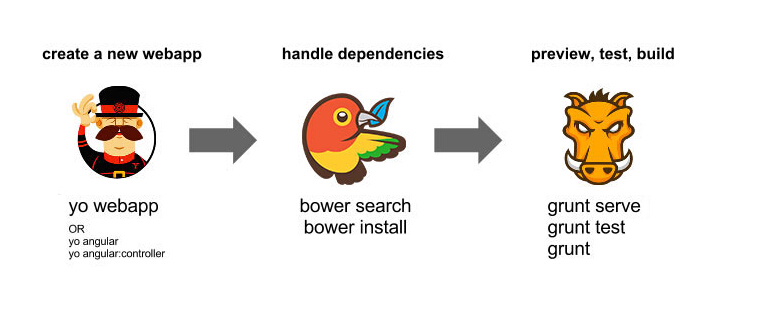
- yo: Yo is a scaffolding tool for Web applications. It provides a lot of templates used to generate different types of Web applications. These templates are called generators.
- Bower: Bower is a package manager for js, which can manage the dependency relationships between various packages. With it, you no longer need to manually download and manage your script files.
- Grunt: A task execution tool that helps us automatically manage and run JavaScript. It can be used to check if code syntax is correct, compress code, and merge files. Through Grunt, we can simplify our workflow.
How to use Yeoman?
- First, you need to install yo and some other required tools. (The premise is that you have already installed Nodejs and npm)
$ npm install -g yo bower grunt-cli gulp
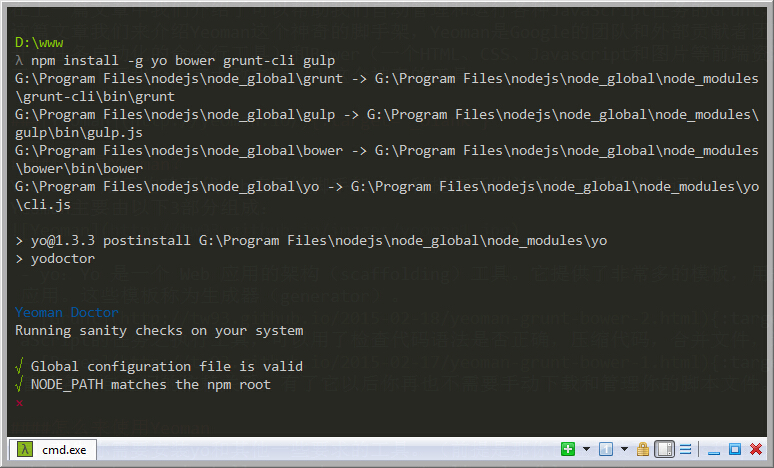 There is a small easter egg here. I saw that Yeoman also highly recommends cmder (off topic, fleeing)
- In order to build your Web application, you need to install the ‘generator-webapp’ generator.
$ npm install -g generator-webapp
This is a default Web application generator. Through it, you can scaffold a project containing HTML5 Boilerplate, jQuery, Modernizr, Bootstrap. At the same time, you can also choose to use them. This generator will use Grunt for task management (of course you can also use gulp).
- After everything above is installed, you can create your project directory.
$ mkdir my-yo-webapp && cd my-yo-webapp
- Then use the following command:
$ yo webapp
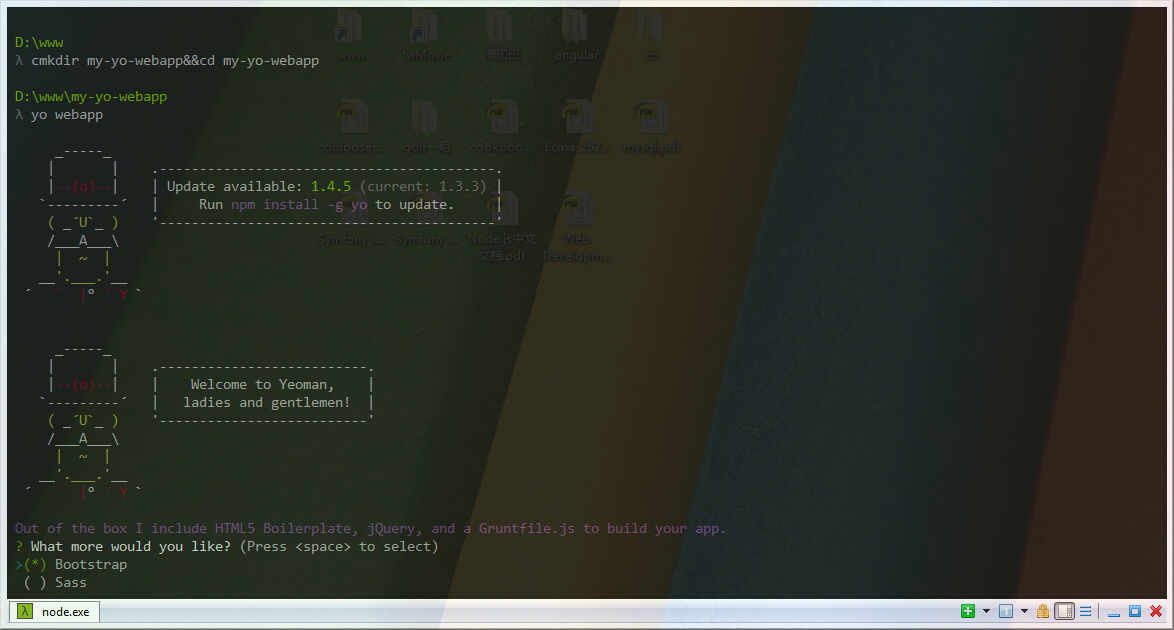 Then choose what you need to install, and then you can see the command line starting to fly. After completion, the following files will be generated in your directory:
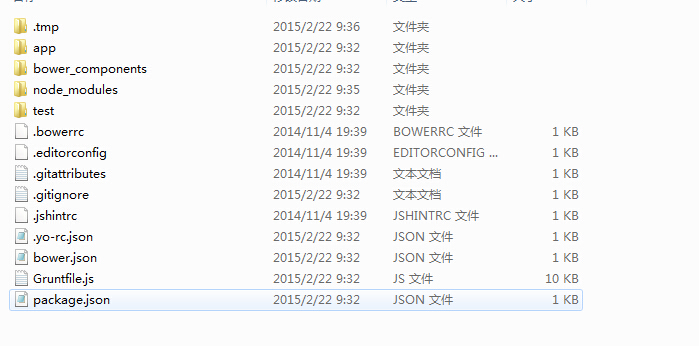
- Then run the following command, and you will find something magical appearing:
$ grunt server
- Finally, your browser will automatically open a page:
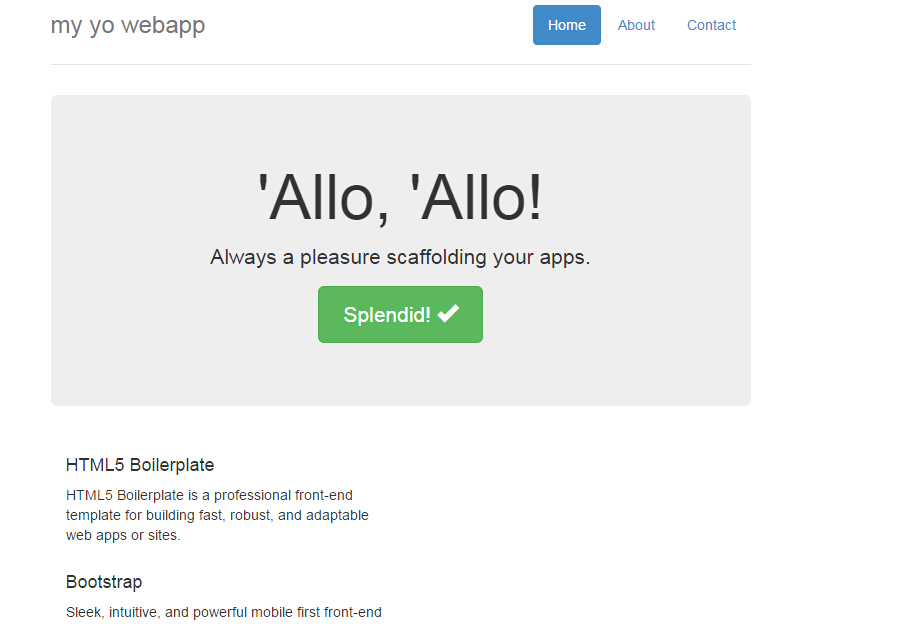 Then you can happily develop your project.
If you want to further understand Yeoman, it is highly recommended that you check out an official Tutorial. There is a detailed example here. I believe after going through it, you can understand Yeoman better.